
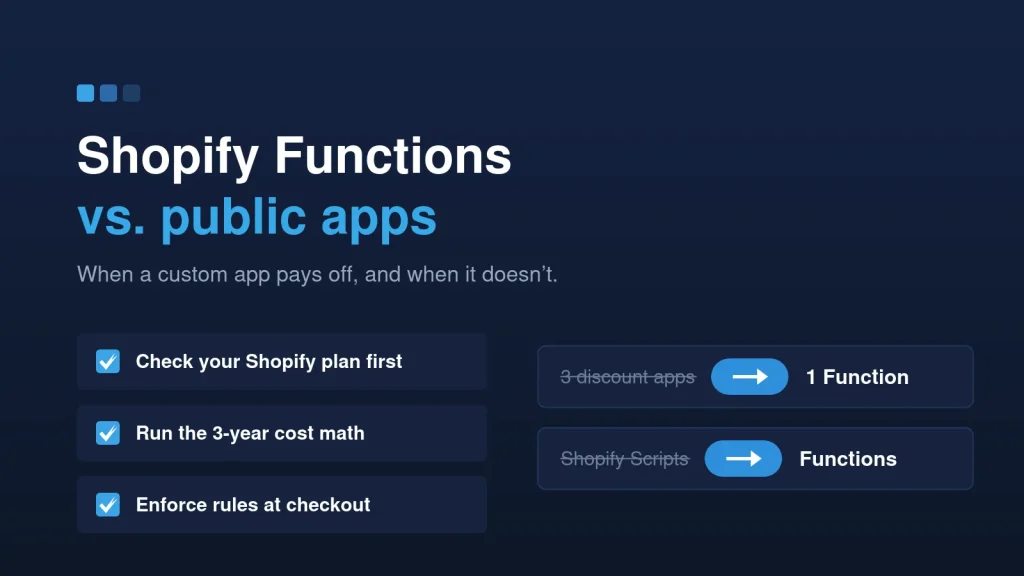
Most Shopify stores run on apps. That’s fine until the store’s rules stop being generic. Then you’re stacking three discount apps to fake one pricing rule, paying monthly for a feature you use 10% of, and adding another script to a theme that’s already slow.
At that point the question changes from “which app?” to “should we build this ourselves?” Here’s how we answer it for clients, including the cases where the honest answer is: keep the app.
What Shopify Functions actually are
Shopify Functions let a developer replace parts of Shopify’s own backend logic with custom code. The code is compiled to WebAssembly and runs on Shopify’s infrastructure, inside checkout, not in the theme. That matters for two reasons: it’s fast, and it can’t be bypassed by a customer editing the page.
Functions cover the places stores usually need custom rules:
- Discounts: product, order and shipping discounts with your own logic (tiers, mix-and-match, B2B rules).
- Cart transforms: bundles and merged or expanded cart lines.
- Delivery and payment customizations: hide, rename or reorder shipping and payment options.
- Cart and checkout validation: block a checkout that breaks your rules, with a clear message.
Functions replace Shopify Scripts, the older Ruby scripts that only ran on Plus. If your store still depends on Scripts, moving that logic to Functions is no longer optional.
Public app or custom app: the short version
A public app from the Shopify App Store is built for thousands of stores. A custom app is built for one: yours. Neither is better by default.
Keep the public app when:
- It does what you need without workarounds.
- The monthly price is fair for what it saves you.
- The app is maintained, and its scripts don’t slow the storefront.
Consider a custom app when:
- The logic is specific to your business, and public apps only half support it.
- You’re stacking several apps to fake one rule, and they conflict.
- The subscription costs more over a year or two than building it once.
- The data has to sync with your ERP, warehouse or CRM in a way no app handles.
The cost math
Run the numbers over the time you’ll actually keep the store, not over one month. As an example: an app at $49 a month is $588 a year and about $1,760 over three years. Three apps doing one job costs three times that, and you still own nothing at the end.
A focused custom build, such as one discount Function or one checkout rule, starts at around $1,500 with us. After that, there’s no third-party subscription. Functions run on Shopify’s infrastructure. Like any software, the app needs an occasional update when Shopify versions its APIs, but that’s a small, predictable cost.
That doesn’t make custom always cheaper. If one $15 app does the job well, keep it. The math only tips when the app is expensive, stacked, or doing the job badly.
The Shopify Plus question
This is where most stores get surprised. Shopify only allows custom apps that contain Functions on Plus stores, and some Function capabilities are Plus-only regardless of how they’re installed.
On other plans, you still have options:
- A custom app for integrations, admin tools and theme app extensions, without Functions.
- A public app that uses Functions, if one fits your logic.
- Theme-side logic for presentation, as long as the rule itself doesn’t need to be enforced at checkout.
Check your plan before anyone quotes you a Functions build. We do this first, because a quote that ignores it isn’t worth much.
A real example: Mix ‘n Match pricing on a 1,363-product catalog
Seeds ‘n Such sells seed packets across hundreds of varieties. Customers can combine packets across varieties at one packet price. Public discount apps either couldn’t target the right products or broke as new varieties were added.
We built the Mix ‘n Match discount as a custom Shopify app on Shopify Functions, developed in our Partner account and installed directly on their store. Before writing the discount, we audited SKU patterns across all 1,363 products. The Function targets eligible packets by SKU pattern, so new varieties are picked up automatically, with no list to maintain by hand.
That’s the typical shape of a good custom build: one specific rule, enforced at checkout, that keeps working as the catalog changes.
What to ask before you build
- Can a public app do this today, at a fair price? If yes, start there.
- Which plan are we on? It decides whether a custom Functions app is possible.
- Who owns the code? You should get the source and documentation at handover.
- What are the running costs? Functions themselves have none. Apps with their own admin screens or integrations may need light hosting.
- Who keeps it current? Either a small monthly care plan or clear notes for your own team.
The takeaway
Apps are the right default. Custom apps earn their place when your rules are specific, the app stack is getting expensive, or checkout logic has to be enforced, not just displayed. Start with the plan check and the cost math, then decide.
Have a rule no app handles well? Send it to us. We’ll tell you whether a custom build is worth it and what it costs. See Shopify custom apps and Functions.